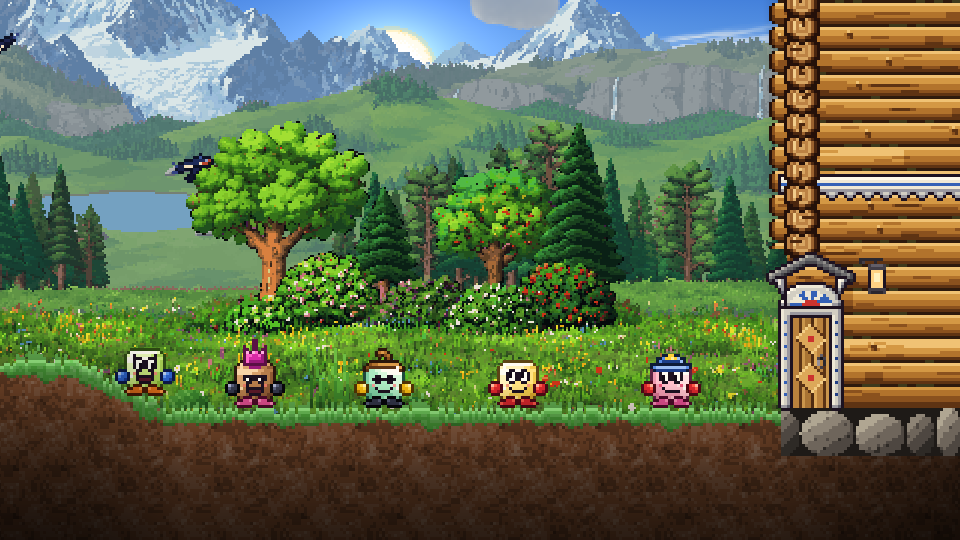
From the very start we wanted "Dig, Cubby, Dig!" to be a game you don't play alone. Every world has six houses, and the treasure underground goes to whoever finds it first, which is far more fun when real people live next door. We told you how it all began in our last post. Today it's the story of how the game went online.
Rooms for six
On September 25 the game got rooms. A world has six places: yours and five more. A new player takes over the house of the Cubby who had gathered the least, and everything that one had found goes back into the forest.
Back then the game didn't have a server of its own yet. The world lived on the players' own computers, and a small go-between server only introduced them to each other; after that, the browsers talked directly. One screen in the room ran the creatures, birds and fish and told the others what was going on. That's why two players could drive off a spider together, and a fish in the lake was the same fish for everyone.
Soon the rooms got rules of their own. Night only flies by once every player has gone to sleep in their own bed. Quests are taken in turns: while one player is busy with a quest, the others wait. A chat appeared above the belt, with each line popping up as a cloud over the head of whoever wrote it. Voice arrived too, and only the players the speaker allows can hear it.
Why the link kept breaking
A direct link between browsers is a fussy thing. Here's what got in our way:
- A browser prepares its invitation to connect in advance. If it had been lying around for more than a minute, the link came out empty and the newcomer ended up alone in the world. This happened very often.
- When a connection was slow or took a roundabout route, the game didn't wait for an answer, decided the room was empty and built the newcomer a forest of their own.
- Between some home networks, a direct path simply can't be laid.
- If nobody in a world was online, you couldn't get in at all: the world lived only with its players.
We fixed what we could. Invitations were refreshed, lost messages were sent again, and a newcomer got several tries to get in. If it still didn't work, the game offered to try again or play alone. Things got better, but we understood: the game needed a server of its own.
Our own server
On October 1 the game started running through its own server. Here's what changed:
- No sign-up. The game creates an account for you in this browser by itself: just open it and play.
- Saves on the server. Your hero, world and coins are kept there, not just on your device.
- The world is always there. You can come in even when nobody else is online.
- Fair chests. Chest timers and what's inside come from the server, not from someone's computer.
And if your connection drops for a second, the game reconnects by itself, and everything you did in the meantime still reaches the server.
cubbydig.io, friends and chat
On October 2 the game moved to an address of its own: cubbydig.io. And on the same day came a lot of what makes playing together worth it:
- Friends. You can add a friend straight from the TOP list. You can see who's "in game," who's "online" and who's "offline." You can invite a friend over with a link, and if their world has a free place, move in with them. The game explains up front what moving means.
- A bigger chat. Each world got a shared chat with history, and friends got private messages. You can hide, block or report anyone, and the game hides rude words by itself.
- Leaderboards in the LEADERS window: TOTAL COINS, BY BIOME, WEEK and BOOK. The weekly board starts over every Monday, and BOOK only counts artifacts that came from the server.
- Play from any device. You can link your account to an e-mail (you'll get a code), Yandex ID, Google or VK ID and play as your hero on a computer or a phone. Hero names are now one of a kind across the whole game.
The next day brought the "While you were away" window: when you come back, the game tells you what happened while you were gone.
Two servers
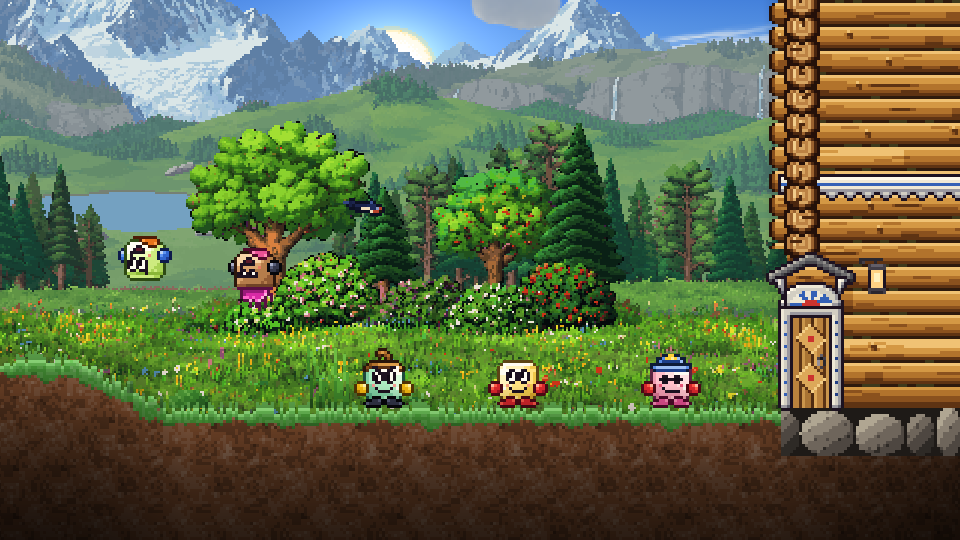
On October 11 there came to be two servers: Russia and Finland. Your account and hero are the same on both, but each server keeps its own saves: worlds, coins, starcoins, chests and Grandad's Book. You can pick a server in the menu and in the settings, and you can see how fast each one answers.
On the same day, playing together got smoother. Before, birds and creatures on someone else's screen sometimes froze in midair when the messages about them arrived unevenly. Now the game adapts to your connection: if messages arrive in fits and starts, it waits for them a little longer, and on a good connection it waits less. Nothing freezes in midflight anymore.
And on October 13 the game learned to pick a server for a newcomer by itself. It checks the connection to each one several times and sends you to the one where it's fastest and steadiest. And if a server is nearly full, a newcomer goes to the other one.
What's next
We keep making a game that's a pleasure to play together. Come on in and bring your friends: your neighbors are already waiting.